
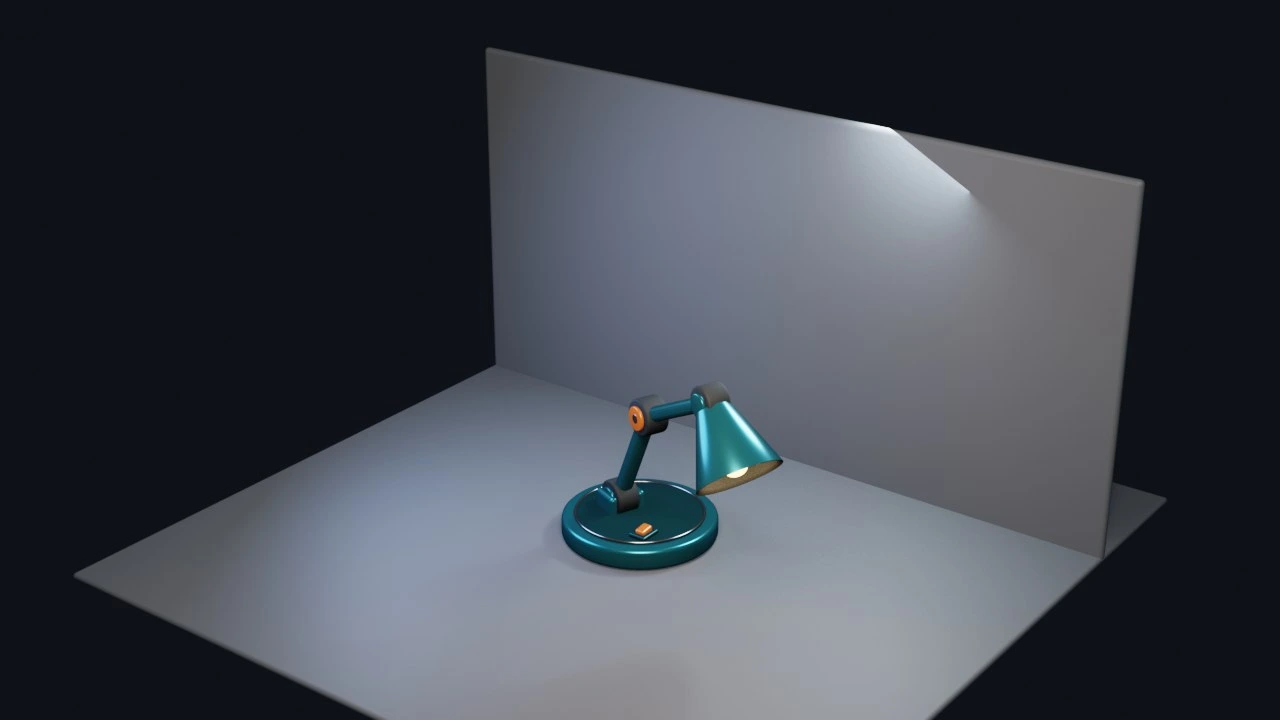
Inspect the real scene
Objects, materials, rigs, animation, cameras, nodes, render settings, and project health are available through bounded tools.
HEXTEK / CREATIVE AI BRIDGE
Blender Agent Bridge is a free, open-source Blender extension and localhost MCP server. It lets external AI clients inspect the open scene, review viewport and render evidence, help with modeling, materials, animation, and asset workflows, and leave useful, editable work inside the actual project.
01 / BUILT FOR REAL WORK
Let your assistant work inside the actual project, with evidence you can inspect and changes you can control.
Objects, materials, rigs, animation, cameras, nodes, render settings, and project health are available through bounded tools.
Viewport captures, playblasts, thumbnails, inspection renders, and background render jobs let agents review what Blender actually produced.
Helper changes can remain as a visible preview until the artist chooses Commit, Revert, or normal Blender undo.
Generated Python is blocked until session trust is deliberately enabled, and paid generation providers require approval before they run.
THE WORKFLOW
A direct path from your assistant to Blender, with the artist making the final call.
Add the official remote repository in Blender's Extensions preferences or install the release ZIP from disk.
Open the Agent Bridge sidebar tab and press Start. Blender remains the execution layer and source of scene truth.
Copy the generated MCP configuration so Codex, Claude, Cursor, or another compatible client can reach the active session.
Ask the agent to inspect first, leave edits as previews, and review the evidence before you commit the result.
START HERE
Blender 4.2 or newer is required. Add the official extension repository, install Blender Agent Bridge, press Start, then use Copy MCP Config to connect your client.
Download Blender Bridge